Official Download — 100% Free
Honista
Best Video & Music Downloader
Download Now
Security Verified
 CM Security
 Lookout
 McAfee
Honista is 100% SAFE, with its security verified by multiple virus & malware detection engines. You can also scan every update through these platforms, and enjoy Honista with no worry!
Honista
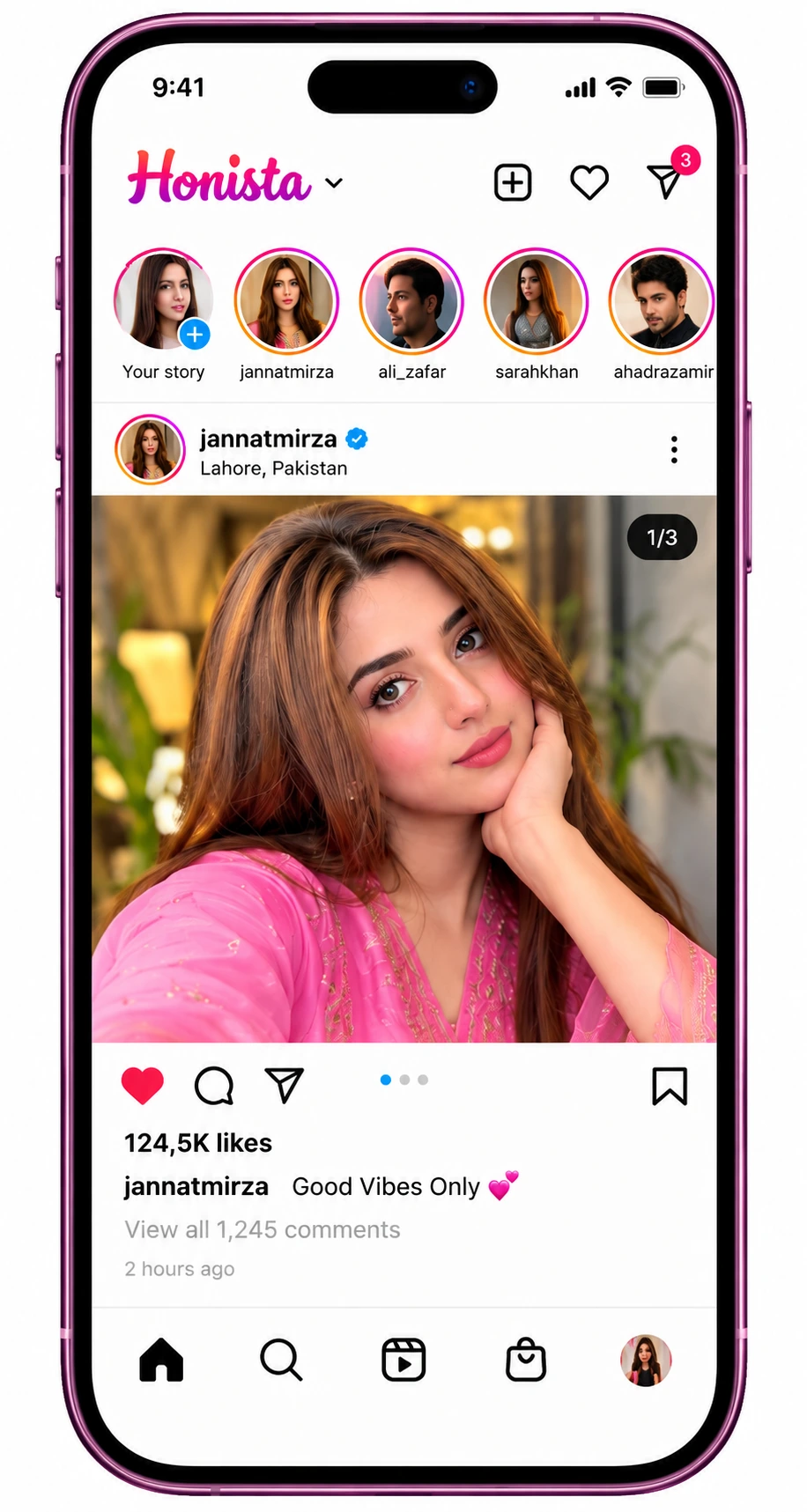
Honista APK is a modified Instagram app for Android phones. Download Honista APK to explore extra privacy features, download photos and videos, customize themes, and enjoy a personalized Instagram experience. Download the latest Honista APK file for Android and enjoy its additional features on the go!
Features





Honista Social Media App
Enhanced Privacy / Download Media / Custom Themes and more
Honista Downloader
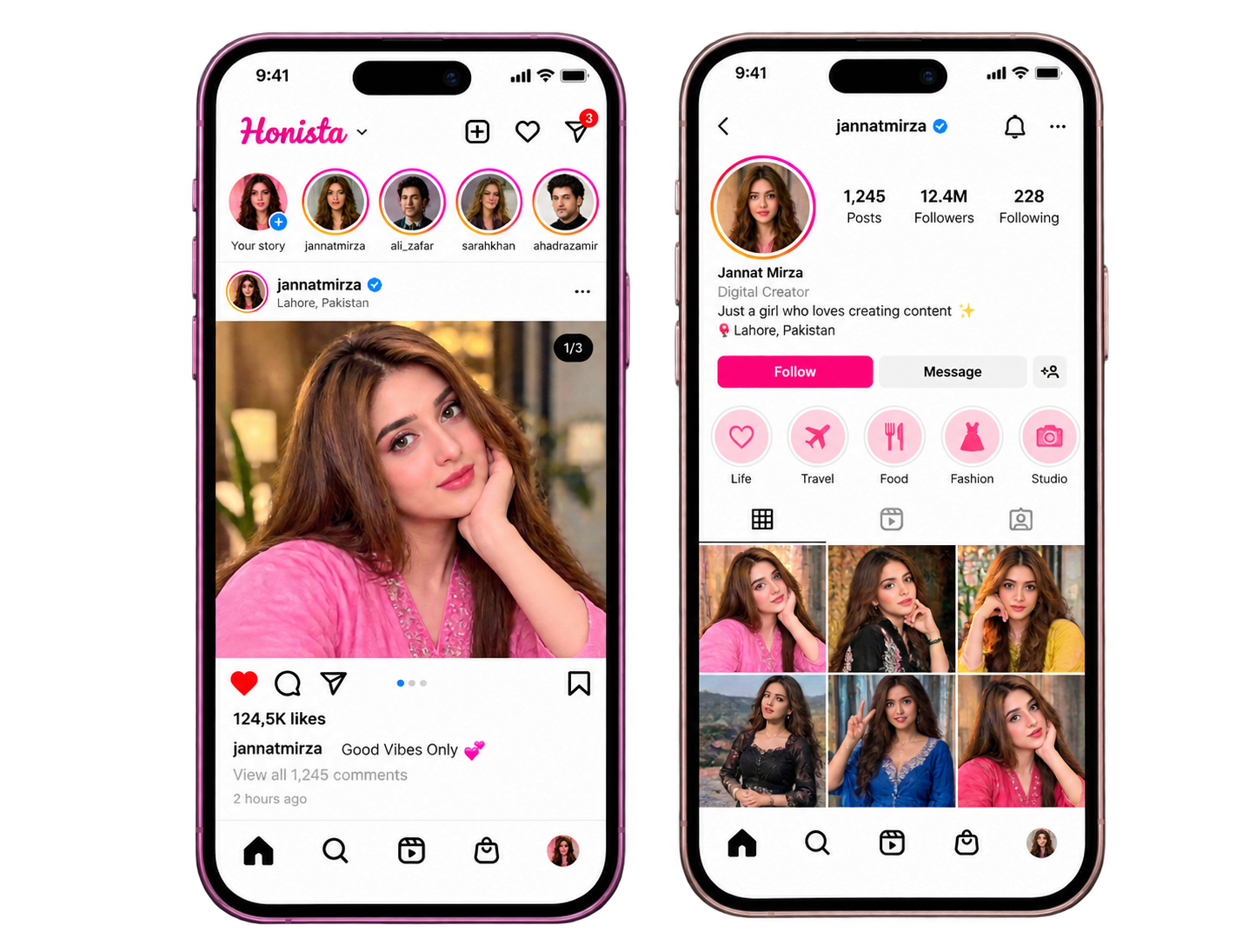
Save Instagram Reels, Videos & Photos in High Quality
Frequently Asked Questions
1
1. What is Honista APK?
Honista APK is a modified version of Instagram that offers additional features, including media downloading, privacy controls, and interface customization.
2
2. Can I download Instagram Reels and photos using Honista?
Yes, Honista includes options to download photos, videos, and Reels from Instagram posts.
3
3. Is Honista APK free to use?
Yes, according to the article, Honista is free to use and offers features such as privacy controls, custom themes, and media downloads without a subscription.
4
4. Is Honista APK available on Google Play Store?
No, the article states that Honista is not available on the Google Play Store or Apple App Store. Android users need to install it manually using an APK file.
5
5. Is Honista APK safe to use?
Honista is a modified application, so its safety cannot be guaranteed. Downloading APK files from untrusted websites may expose your device or account to security risks. Always verify the source and review the requested permissions before installing.
Honista APK
Honista is a famous app created as a mode version of Instagram. The Honista app offers freedom and privacy for Instagram. Users can download videos and images from posts and reels. It also lets users upload high quality media in post for more immersive content. Users can hide their active status and message read mark as well as remove their name from stories and profile viewers list using Honista.
Instagram sometimes feels more restrictive with its media size limits. Instagram also risks users' privacy by putting an online badge, message read ticks, listing user name in story and profile viewers. Its simple and easy UI. New users can easily use the app. Honista comes as a solution to these issues especially for the users who focus on privacy.
What Is Honista APK?
Honista APK is a modified version of the original Instagram application. It offers a familiar interface with additional features and customization options. Unlike the official Instagram app, which provides limited theme choices, Honista allows users to change theme colors, fonts, and app icons. These options make it suitable for users who prefer a more personalized social media experience.
Most of the time we view stories from people and we don't want them getting informed. Official Instagram shows the user name in the viewers list. But when we use our Instagram account using Honista, It does not let users know that we have viewed their story. Honista keeps the user undercover. It removes the online badge. It also hides the message read and message typing indicator thus keeping user privacy. This app is completely free of cast.
Key Features of Honista APK
Simple Interface
The app has the main interface from the official app while some extra buttons and tab for new features it brings with it. Honista is a lightweight application. It is easy to navigate for new users. It runs smoothly even on old devices with required system specs.
Video and Image Downloads
The official Instagram app does not allow users to download the video from reels. Honista’s media download option lets you download the video from the reels and posts. Users can also download images. All the media can be downloaded in high resolutions. It is one of the key features of the app.
Original Upload Quality
This app allows you to upload images and videos in their original quality. The Instagram app applies heavy compression on media before the upload. But honista allows you to upload media in their original quality for retaining the content details. This makes Instagram posts more detailed and appealing.
Enhanced Privacy
Honista app offers enhanced privacy to the instagram users. It lets users view stories, profiles and broadcasts without being noticed. Usually Instagram creates a viewers list with viewers names in it, but in case of Honista users can avoid this. Users can read messages privately. Most users prefer this app just because of its privacy feature.
Ghost Mode
The app has a ghost option. When enabled, users can use Instagram without appearing online. The ghost option hides the online status. It gives some more privacy while using an Instagram account.
Customization
Unlike the original Instagram application that only has two themes, this app is highly customizable. The user can set any theme color he likes. App font can also be changed. So I can choose beautiful fonts and colors for an aesthetic app look. The app also allows you to change app icons that make the app more pleasant.
Frequent Updates
The app is updated frequently to remove reported bugs and new features. The app is modded from Instagram, so it is updated with the new Instagram updates. It is compulsory to keep the app synced with Instagram. There are always hidden security loopholes required to remove them. These security risks are removed via updates. Always use the latest version of the Honista app for better security.
Dual Login
This app allows you to login two Instagram accounts at a time. Rather than login in and log out again and again, the account switch option remains very useful for users who operate two Instagram accounts at a time. It saves a lot of time required for switching the account.
Smart Unfollow
A large following list can be annoying and makes the home screen junky. Honista helps you shorten your following list. You can check which of your following does not follow you back. You can unfollow them to remove unnecessary people from your list. You can also remove people that are not active. The not following back check is very useful for people who want to balance their followers and following lists.
Copy Text
Sometimes meaningful text makes us copy and share with others as text. Instagram does not allow us to copy text. But Honista allows you to copy text from posts and comments for sharing. It also lets users copy the other’s Bio. This feature is for people who regularly copy text from apps.
Ad-Less Reels
Most of the users scroll through Instagram reels for entertainment. But they have one major problem. After every 3-4 reels, you have to watch an ad. These ads feel really annoying. While watching reels on Honista app, ads are completely blocked. You no longer need to watch an ad within reels. This feature is life saving for reels viewers.
Safety Lock
Safety Lock feature comes as an extra security measure for your Instagram account after login credentials and phone password. When this app lock is tuned on, no one can open the app other than you. The app asks for a password each time someone tries to open the app. You no longer need to install unknown App Lockers.
How to Use Honista
Honista is really fun when using it in the best way possible. Open the installed Honista Application. To continue with the app, you need to login to your Instagram on Honista app. Give you account details in the login screen. After a successful login, the app lands on the Home screen. It is the main screen that you can explore. You can scroll down to see posts and watch videos from the people you are following. The download feature helps you to download the media from this screen.
You can tap the video button on the navbar to switch to reels. Reels tab list short videos from different creators. Unlike the official Instagram app, you don’t need to watch ads after 3-4 shorts. The paper plane icon represents the messages tab. Tap the icon to open the tab. Here you can find all the messages that your friends sent you. It also contains group messages.
Taping your photo brings you to the profile tab. Here you can manage your profile and followers. It also shows your timeline of posts and media. In the suggestions section, you can find other people that you might know. You can follow them.
Benefits of Honista Updated APK
Using an updated version of any APK is always the best approach. Updates are meant to improve the app. Honista is updated regularly to fix issues and remove bugs. The hidden bugs often cause the app to crash. Also security loopholes need to be fixed. So it is necessary to solve all these via updates.
The development team continuously works on apps to introduce new features. They periodically send updates that bring new features in the app. So, it is highly recommended to always use the latest version of the app for a smooth, and more immersive experience.
Honista vs. Insta Pro
Both apps are modded versions of Instagram. Both of them include features from the original Instagram app. They offer more features than Instagram. In most of the cases, both apps stand together on the bases of the features they offer. But Honista is a bit more useful, easy and offers some more features.
Insta Pro offers almost similar features as Honista but it does not reach the full quality. The video download feature remains unstable in Insta pro. The app has a moderate speed. It offers simple features and updates are not as frequent as in Honista APK. After comparing the both, Honista stands as a good and more advanced option.
Other Similar Apps
Instander
Instander is another famous modded version of the Instagram app. It is mostly privacy oriented and offers extra privacy features to the users. It can be an alternative to Instagram or Honista app for the users who prefer privacy while using the instagram account.
Instagram Plus
Instagram Plus is a simple and emerging competitor of the Honista App. It allows users to download images and photos from Instagram posts and reels. The app is free to use and provides a smoother experience. You can also try Instagram Plus as it is trusted.
GB Instagram
GB Instagram is another famous alternative for Honista. It offers top level privacy features. Most of the people prefer GB Instagram when it comes to selecting a platform offering privacy. The app is trusted globally. It is updated regularly for new features. It can be the best alternative for the Honista app.
Honista APK Download and Installation
Honista is not available on Google PlayStore or Apple AppStore. It requires manually downloading the "Honista APK" and installing it. The Installation process is different for the different platforms. We have provided the Installation guide for Android, iOS, and Windows. The installation process is simple.
Before proceeding with the Installation process, make sure you have downloaded the Honista installation file for your system. Search “Honista APK Download” in google chrome. Tap the [Domain] from the search results. It will land you on the home page. Locate the download button for the Installation file for your system. Continue with the installation process below.
Android
You need to download the Honista APK file
-
In settings, turn ON the option that allows you to install unknown apps.
-
Open the downloaded Honista APK file to install.
-
Tap the Install on pop-up.
-
Wait for the Installation to complete.
-
Locate the app on the home screen and open.
-
Allow all the required permissions to the app.
-
On the Sign-In screen, enter your Instagram account credentials.
-
Your setup is complete for the Honista app.
Windows
APK files cannot be installed directly on the PC. It needs an Android emulator to install and use the APK file. Download and install BlueStacks emulator on your system and then download the Honista APK file inside your emulator. Follow the steps below for further installation.
-
Open the BlueStacks android emulator.
-
In the emulator's android, turn ON the settings that allows you to install unknown apps.
- Find the downloaded APK file and Install it.
- Wait for the installation to complete.
- Open the file and grant all requested privileges to the app.
- In the Log-In screen, enter your credentials for your Instagram account.
- Your app has been set up.
Benefits and Limitations of Honista
Benefits
-
It offers multiple privacy options.
-
All features of the app are completely free.
-
The user interface is easy and simple.
-
Users can download custom resolution media.
-
Users can upload high resolution media.
-
The app is completely ad free.
-
It comes with many themes.
-
Fonts and icons can be customized.
-
The app is trusted and secure.
Limitations
-
The app might not be legal in some regions.
-
It is not available on official stores like PlayStore and AppStore.
-
It can be installed on a PC using an emulator only.
-
The update process is manual and time taking.
-
Can be dangerous if not downloaded from a trusted website.
-
Using premium features too much can trigger temporary account restriction.
Conclusion
Honista is an app designed to use Instagram with more freedom. It comes with a user interface resembling Instagram and with some more features. It allows users to download images and videos from Instagram. Users can download reels. The app is completely free and blocks the ads from Instagram in reels offering the uninterrupted entertainment. It offers top notch privacy for the users. The app is highly customizable and has many built in themes. In conclusion, Honista is a very useful app for Instagram users. The Honista download process is simple and easy. Go ahead and install the app.